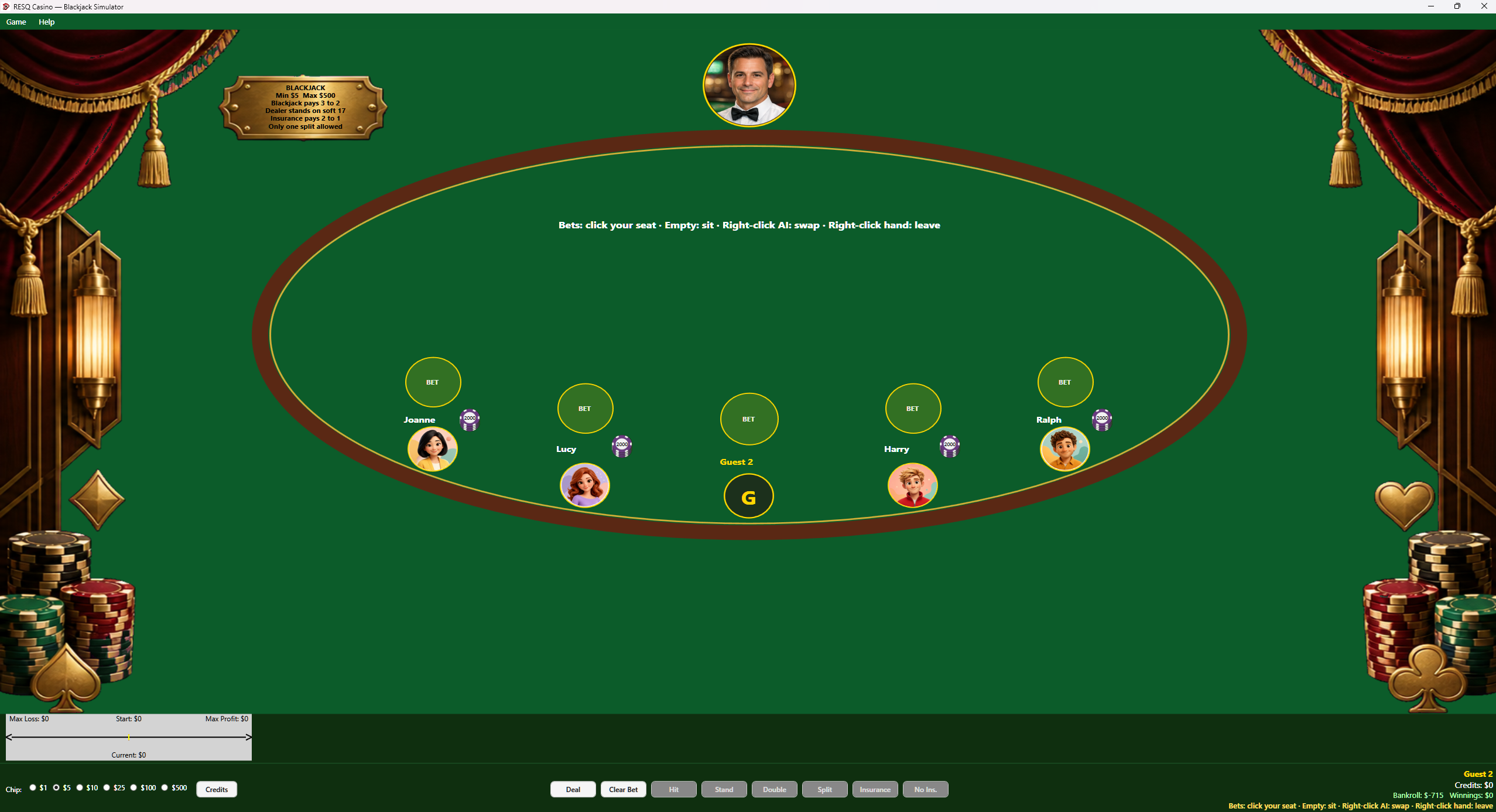
Sit and bet
Choose a seat and a virtual bet. Credits do not leave the program.

Windows x64 / Educational
Decide when to hit, stand, double, or split, and use the strategy guide to understand your choices against the dealer.

Play a hand against the dealer, then use the in-app guide to compare your choice with basic strategy. Add virtual chips, choose a stake, and practice decisions without a real-money wager.
Leave the other seats empty or fill them with basic-strategy AI. You can claim empty seats or swap with an AI seat; the guide follows the hand in front of you.
Select the screenshot to inspect the original image, including the table and controls. Use your browser’s Back command to return.
Request the free Windows x64 build by email at support@resqpm.com. Include the name of the game you would like to try.
Choose a seat and a virtual bet. Credits do not leave the program.
Hit, stand, double, split, or take insurance when the dealer shows an ace.
Open Help > Guide if you want basic-strategy notes while you play.
A Windows x64 PC with keyboard and mouse. These are local practice tables, using virtual credits only.
No. Virtual credits only. Nothing converts to money.
No. It is a practice table with a basic-strategy guide.