Name the player(s)
One person or two. The active side places the next bet.

Windows x64 / Educational
Learn the table by placing bets, following the dice, and deciding what to keep in play as the point changes.

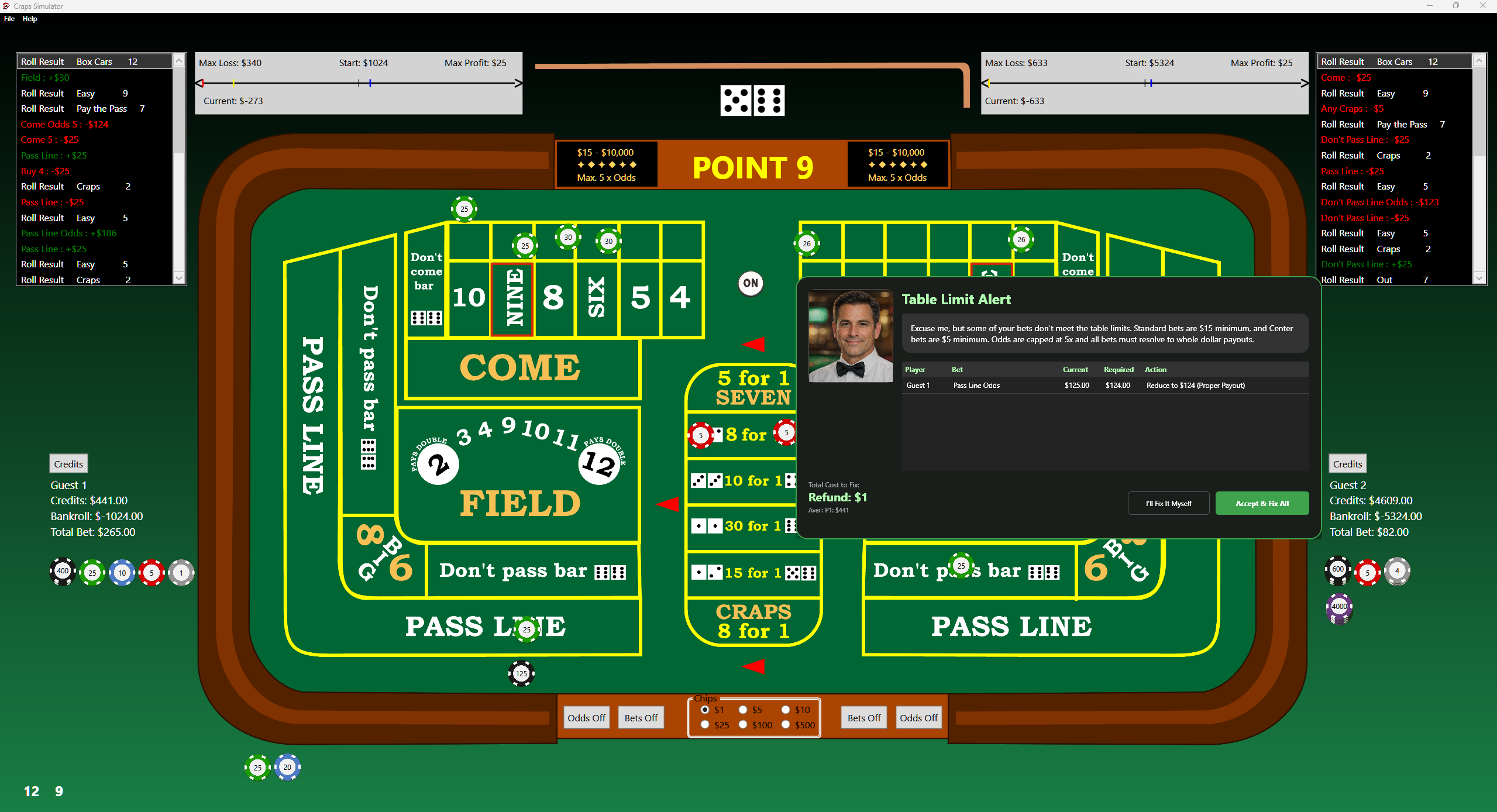
Follow a round from the Come Out roll to the Point phase, placing and adjusting bets as you learn the layout. The puck and highlighted bet zones help you see what is active.
Practice alone or with a second player at the same computer. Each side tracks its own chips and results, while credit graphs let you review how the session unfolded. The included manual explains the bet types and payouts.
Select the screenshot to inspect the original image, including the table and controls. Use your browser’s Back command to return.
Request the free Windows x64 build by email at support@resqpm.com. Include the name of the game you would like to try.
One person or two. The active side places the next bet.
Start with Pass or Don't Pass. Roll. A point gets established, or the round ends.
Add odds, Place, Field, Hardways, or center bets as you learn them. The puck tells you which phase you are in.
A Windows x64 PC with keyboard and mouse. These are local practice tables, using virtual credits only.
No. Credits are for practice. Nothing cashes out.
Yes. Two local players at the same Windows PC, not an online lobby.