
Browser game

Tank Battle

Outmaneuver rival tanks in open combat, or hunt down enemy soldiers and reach extraction in a solo mission.

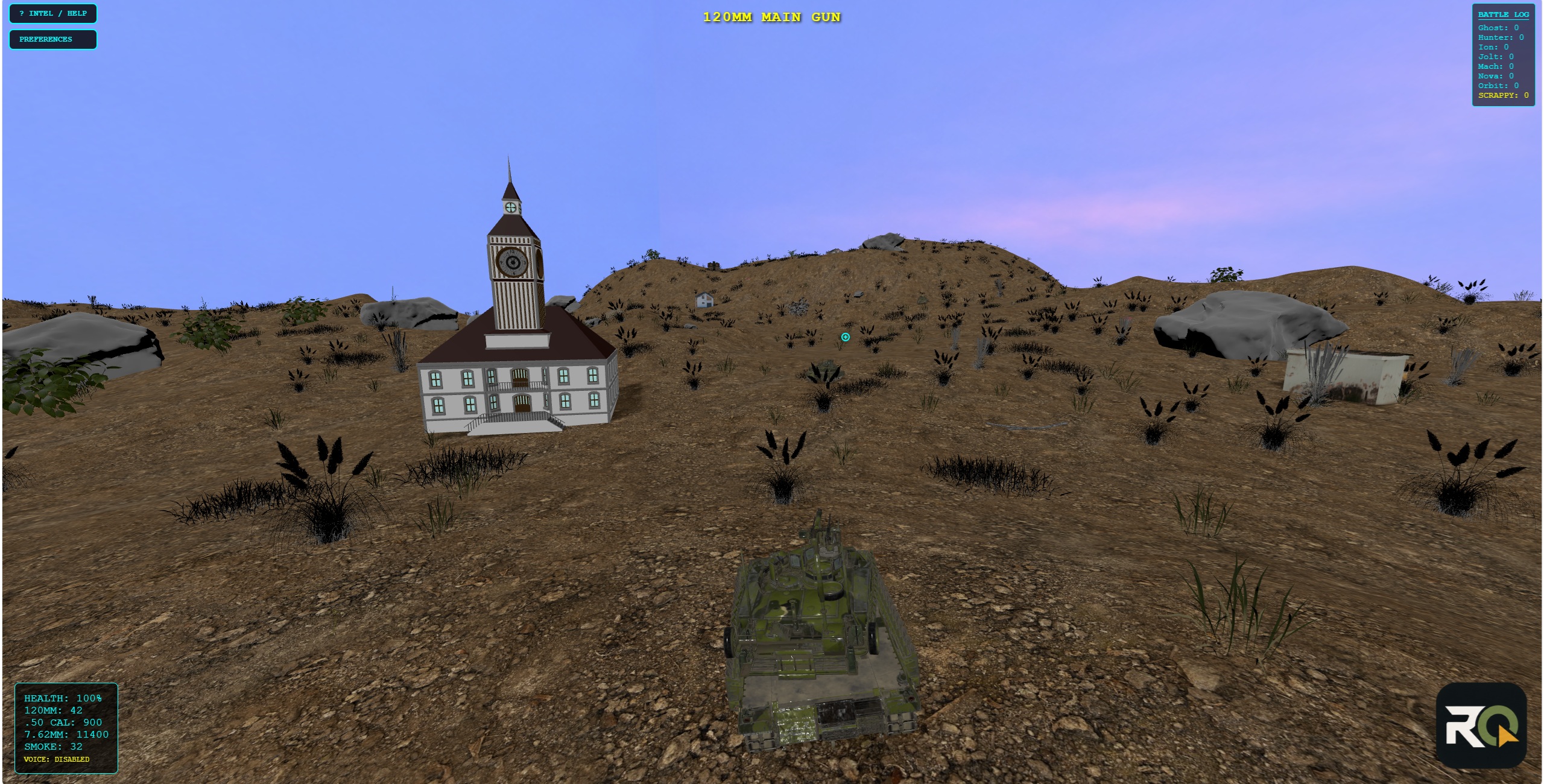
Tank facing a clock-tower building on a dry hill
  • Free · Desktop browser
  • Keyboard and mouse
  • Battlefield: up to 8 tanks, humans + AI
  • Last Man Standing: solo
  • WebGL-capable GPU
  • Internet connection

About the game

Choose between a battle for score and survival and a solo search-and-destroy mission. In Battlefield, position your hull, aim your weapons, and use smoke and terrain to stay in the fight. Each destroyed AI tank is replaced by a tougher opponent.

Last Man Standing changes the challenge: your loader machine gun is the only working weapon. Search for soldiers with the thermal seeker, then make it to the extraction flare before time runs out.

Content notice: mild cartoon violence and small blood effects.

Screenshots

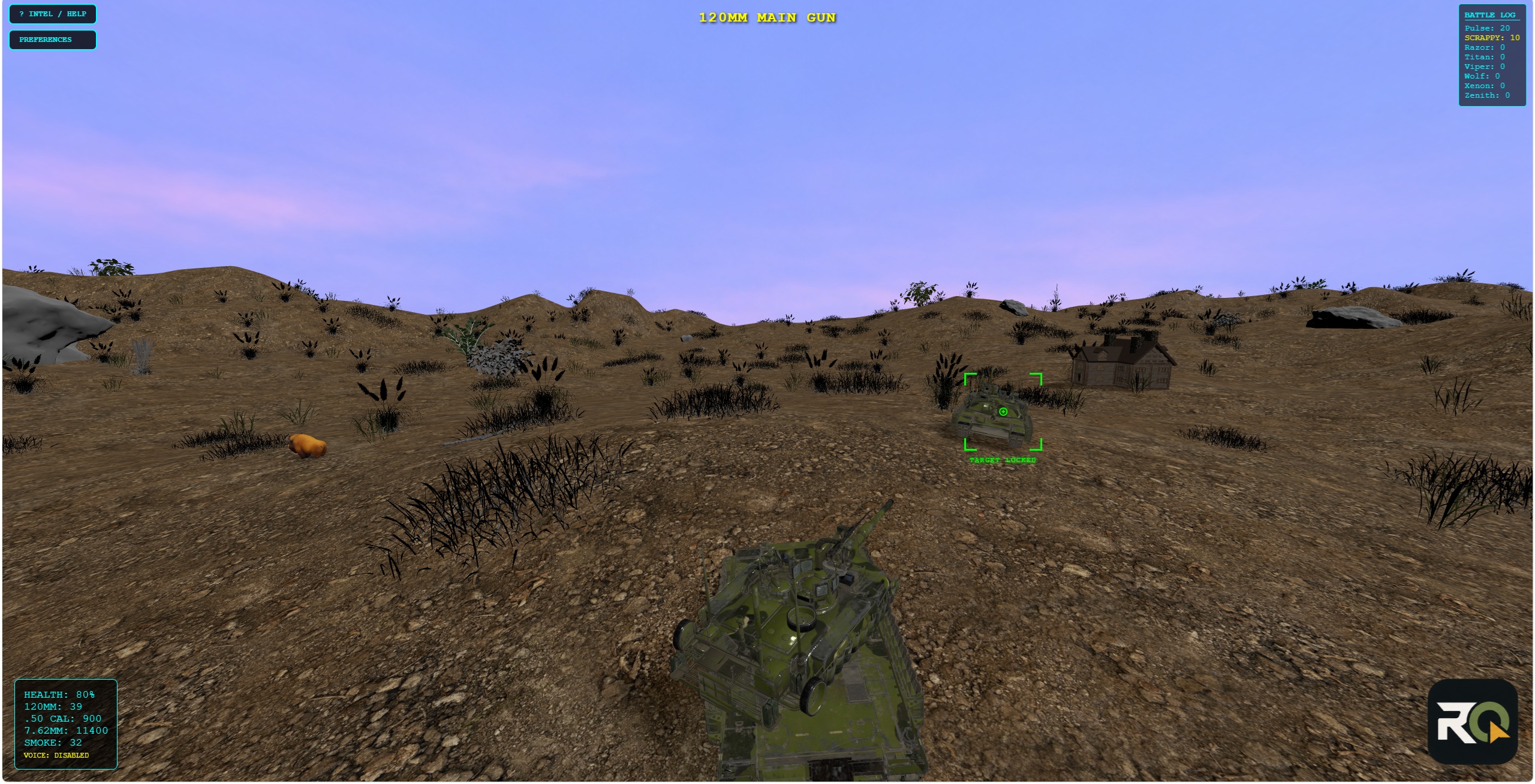
Select a screenshot to open the original image. Use your browser’s Back command to return.

How to Play

Start a match

Enter an optional tank name, or leave it blank to play as Guest. Choose Battlefield or Last Man Standing, then start a new game. Double-click a public battle with an open slot to join it. If none are listed, start a game with AI. Open Game Settings for AI count, private battle, paint scheme, sounds, and optional voice. Voice stays off unless you enable it. Open INTEL / HELP in-game for the full key list.

Drive and look

WASD or the arrow keys drive the hull. The mouse aims the active weapon. V switches third-person and first-person. Space cycles gun stations: driver, 120mm, .50 cal, and the loader 7.62mm. I inverts the mouse. P opens Preferences.

Battlefield combat

Left click fires the 120mm. Right click holds the machine guns. G throws a 12-grenade smoke salvo (8 second reload). Drive over an ammo crate to refill guns and smoke. A destroyed tank ends your session. Score is hits plus survival, not a single last-player trophy.

Last Man Standing

Solo only. The main gun, coax, .50 cal, and smoke are down. Use the loader MG, press N for the thermal seeker, clear the soldiers, then drive to the green flare before the ten-minute clock hits zero. The Soldier Showcase is a separate browser page that shows the soldier model, uniforms, rifle, and animation set at a larger scale. A match only uses some of that set.

Optional voice chat

Enable voice in Game Settings if you want it. C toggles the mic. Volume and mic gain sit in Preferences. It is never required to play.

Platform and requirements

A desktop browser with WebGL, keyboard and mouse, and an internet connection. A dedicated GPU is recommended. In Preferences, choose HIGH, BALANCED, or PERFORMANCE; use PERFORMANCE and fewer AI tanks on older or integrated graphics. Tank Battle is not designed for phones.

FAQ

Can I play on a phone?

No. Tank Battle is a desktop GPU title. Bumper Cars is the browser game that holds up on a phone.

Do I need an account?

No. Leave the tank name blank to join as a guest.

Why is it running slowly?

Open Preferences (P) and set graphics to PERFORMANCE. Start a new game with fewer AI tanks. High AI counts are harder on the GPU.

What is the Soldier Showcase?

A browser page that shows Tank Battle soldiers up close: uniforms, rifle, and animations. It is not the game, and not every option there is used in a match. Open the Soldier Showcase.

Related

Ready to play?

Join a Battlefield lobby or start Last Man Standing. The help button is in the game if you need the rest of the keys.

Play Tank Battle